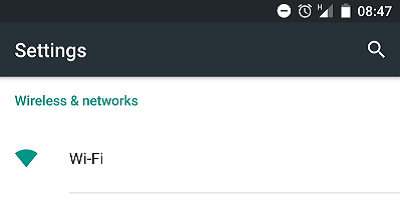
- Go to the Settings on your Android device and click on Wi-Fi.
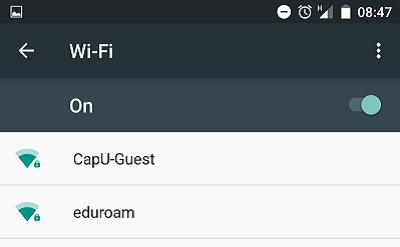
- Click on CapU-Guest.
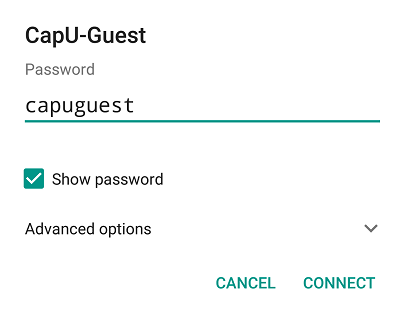
- Type capuguest in the Password field and click CONNECT.
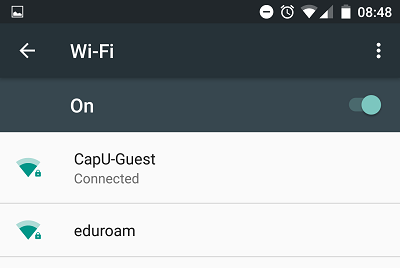
- Your Android device is now connected to the CapU-Guest wireless network.

CapU-Guest on Android Devices
Contact
Have questions?
IT Services
IT Client Services 604 984 4952 Library Building, room LB101 AskIT@capilanou.ca